Our Hello Pricing Plans

WorkDex Pro Plan

₹600
Month
Covered in this Plan
  • IVR
  • 5 Agents (1 Admin & 4 Staff)
  • Virtual Business Card
  • Unlimited Minutes
  • Centralized Number
  • Upto 6 Months Call Recording
  • Business Caller Tune
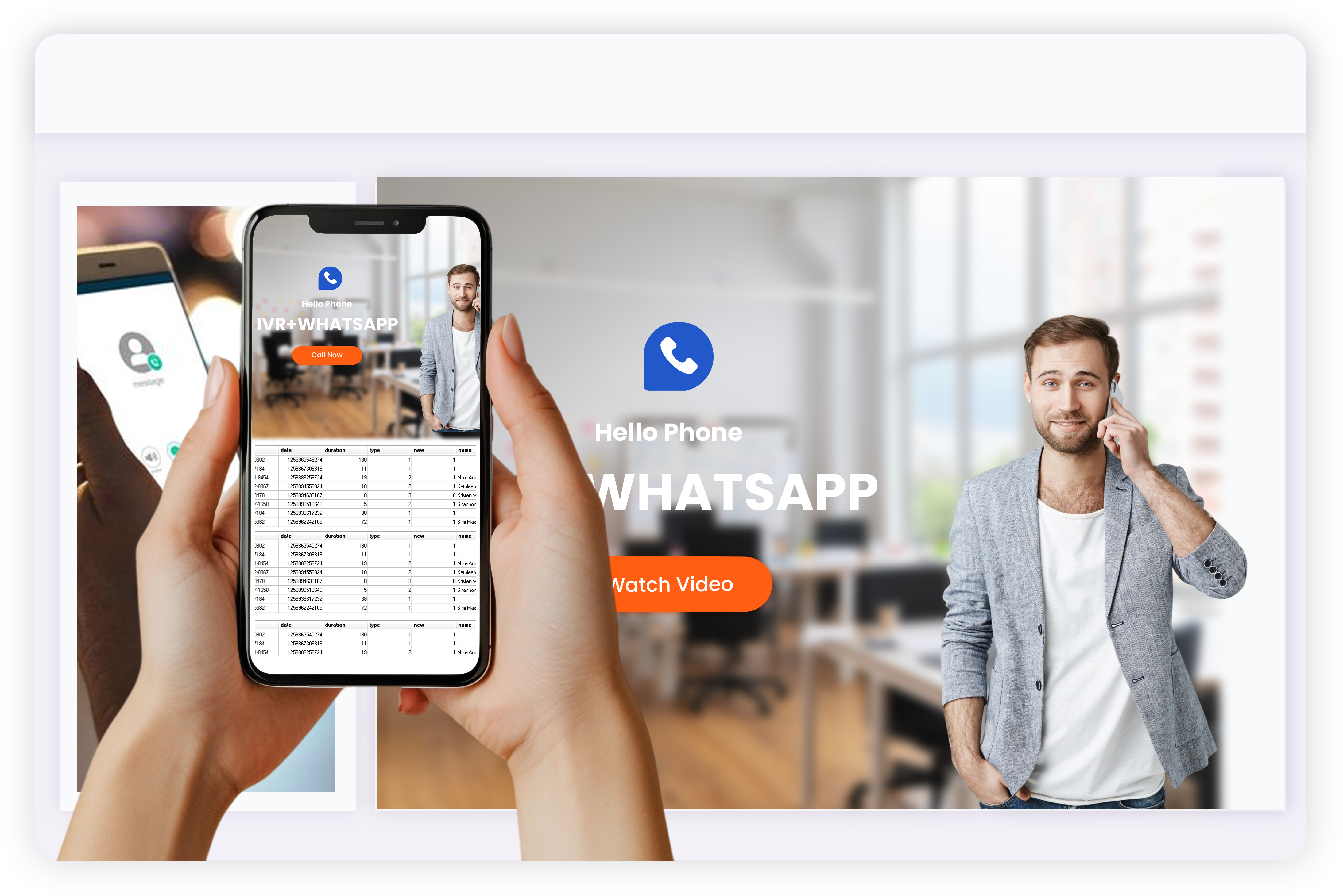
  • Whatsapp Business Number
  • GMB Integration
  • Call Forwarding
  • Staff Analytics & Rating
  • Voice Mail
  • Call Distribution

WorkDex Lite Plan

₹300
Month
Covered in this Plan
  • 2 Agents (1 Admin & 1 Staff)
  • GMB Integration
  • Unlimited Minutes
  • Centralized Number
  • Upto 6 Months Call Recording
  • Call Distribution
  • Call Forwarding
  • Whatsapp Business Number
  • Business Caller Tune
  • Staff Analytics & Rating
  • Virtual Business Card
  • Voice Mail
Dashboard Preview
LIVE

See WorkDex Phone In Action

Monday To Friday - 2 PM IST

Join FREE Daily Demo at 2 PM and learn how to use WorkDex Phone for your Business.

Book a Demo
FAQ

Frequently asked
Questions

At Gourisen, we empower individuals with job-ready skills in IT, design, cybersecurity, spoken English, and digital tools. Whether you're a student, professional, or entrepreneur — your future begins here.


hello Phone is a Digital Phone Line designed for Small businesses so the business owners can interact with customers efficiently. WorkDex aims to professionalize and simplify the way businesses manage their calls and helps business owners distribute customer calls amongst their staff thereby helping them keep a track of all their business calls in a single place.

No, as we provide fixed DIDs, the option to choose a number will not be available. An available number will be automatically picked and assigned to your account.

To activate WhatsApp on WorkDex Phone you need to follow these simple steps: Step 1:- Tap on ‘Create WhatsApp Business Account’ from your main WorkDex Screen. ‍Step 2:- Login with Facebook to continue with your onboarding process. ‍Step 3:- After successful Login, fill your Business Details & click on ‘Create Whatsapp Business Account’. ‍Step 4:- Creating the WhatsApp Business Account will take some time. ‍Step 5:- If WhatsApp Business Account creation fails you can tap on ‘Retry’ to complete the process. ‍Step 6:- Once your WhatsApp Business Account onboarding process is successfully completed, you can start interacting with your customers easily.

If you are in the ₹600 plan, you are eligible to use the IVR option on WorkDex. GO to Settings in WorkDex App - Call & Staff - Play welcome message & IVR - SETUP IVR.

Simply visit our website and register for the next available demo session in Ethical Hacking — it's completely free!

Real People, Real Results, Hear what #WorkDexWaale have to say